Set TeraCopy as default copy handler by PowerShell/Terminal command
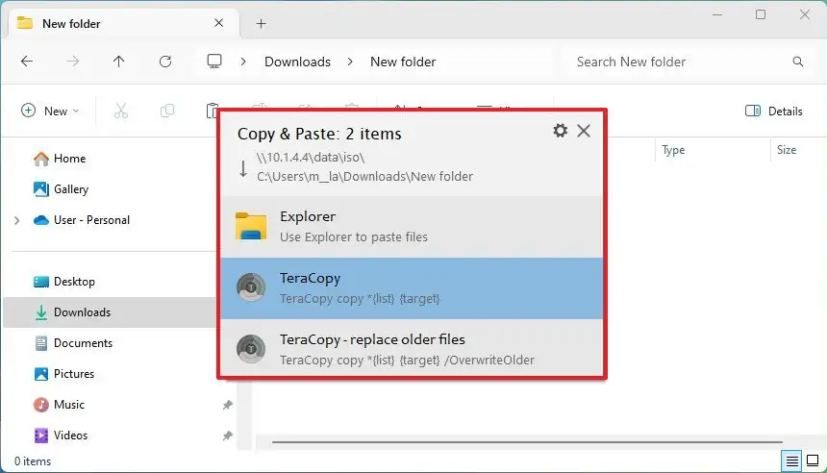
At 1st, I knew about Settings and check box in Unattended. I knew how to enable this by GUI. But I’m creating automation script, so I wanna do it by command line in Windows. I also install your app from WinGet CLI. My expect is that there’s no more confirmation box like this, without using any mouse/click. Instead of making clunky AutoHotKey, I hope dev can tell me better solution.
Appreciate your soft very much!
Log in to comment and vote
Comments2
Code Sector
Nov 3, 2025
You can save this as a .reg file and import it or modify the Registry directly.
Windows Registry Editor Version 5.00 [HKEY_CURRENT_USER\Software\Code Sector\TeraCopy] "HandleCopy"="1" "ConfirmDrag"="0"vuongtuha
Nov 3, 2025
Worked. Perfect solution, fast respond. Thank you very much!
We can close it by now.